
Interactive Study Kits, Podcasts & AI Tutor Demos
Real lessons built with Pixlearn.
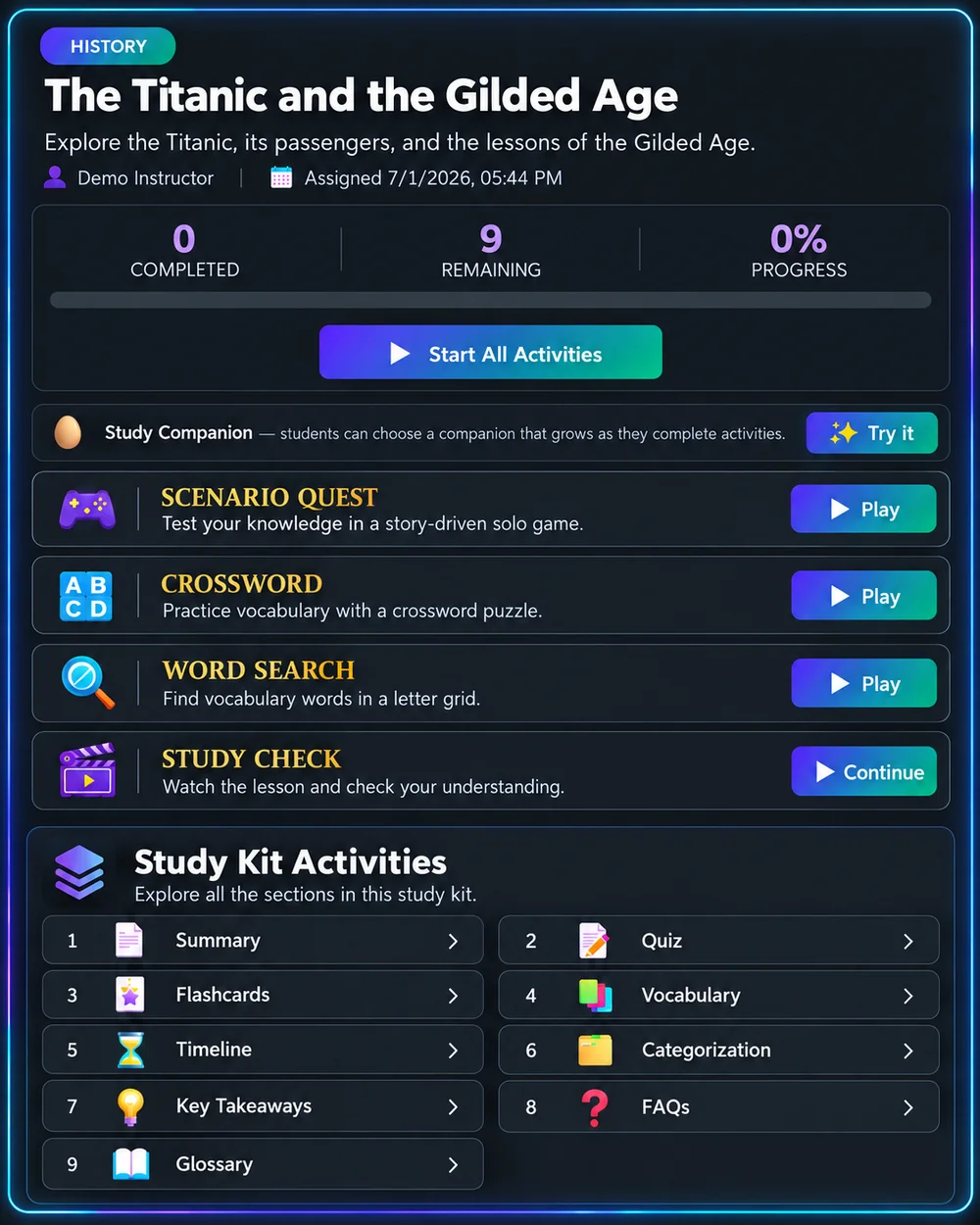
Interactive Study Kit
See how one lesson can provide reading, practice, and review in one Study Kit.
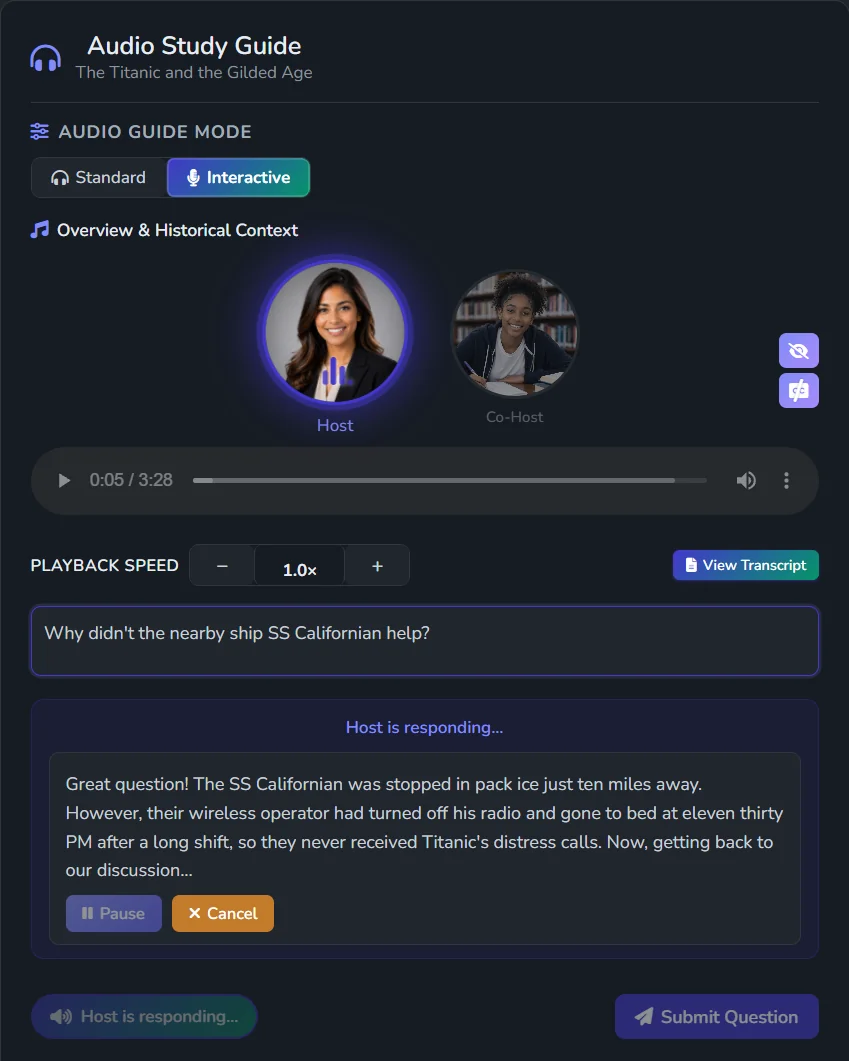
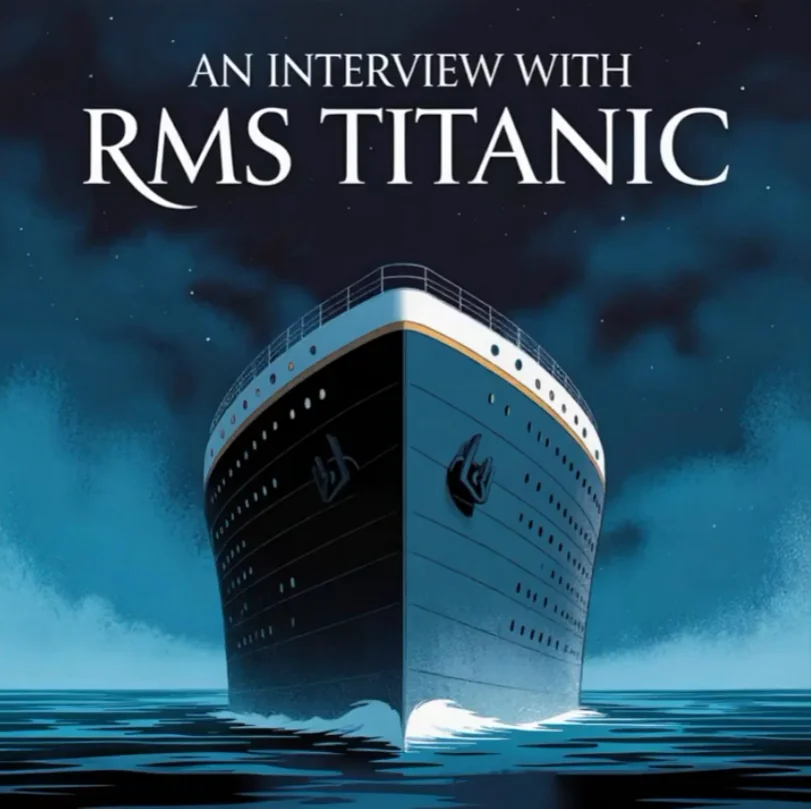
Interactive Podcast
Turn lesson content into an interactive podcast students can question and explore.
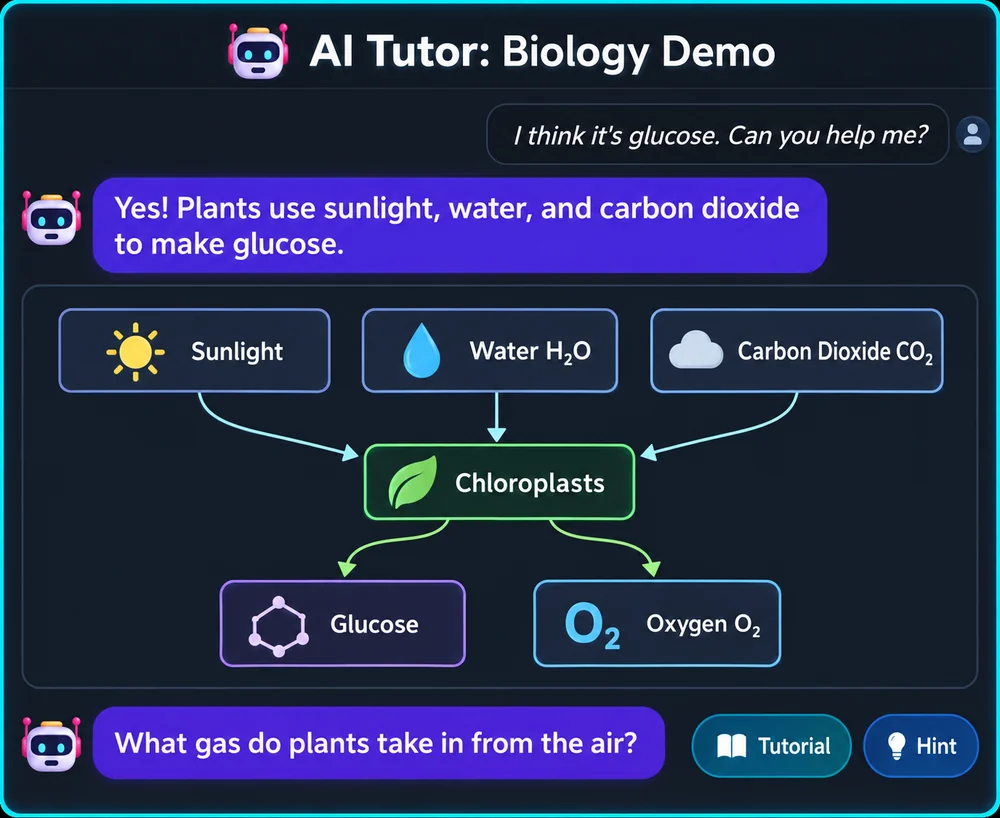
AI Socratic Tutor
Lesson-based help through questions and hints.
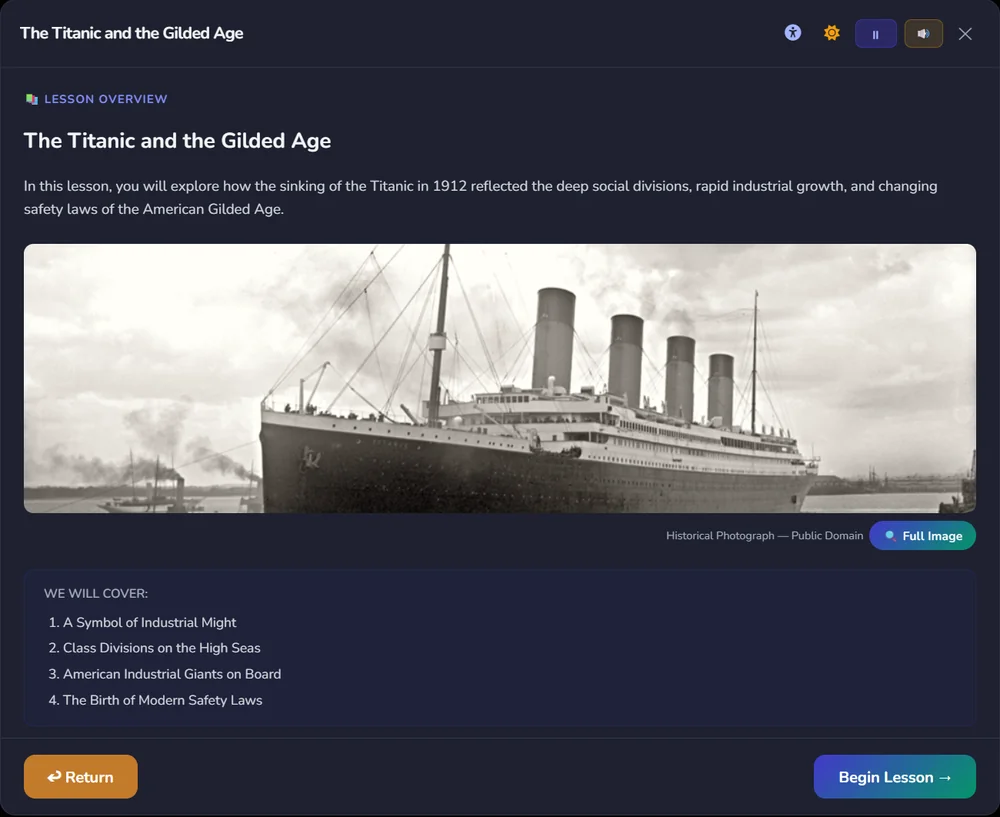
Differentiated Lesson
Adapt lessons for different grade levels, languages, and language-proficiency levels.
Interactive Learning Scenarios & Mission Journeys
Students don’t just review the lesson. They step inside it.
Turn your lesson into immersive scenarios and guided learning missions—grounded in your source material.
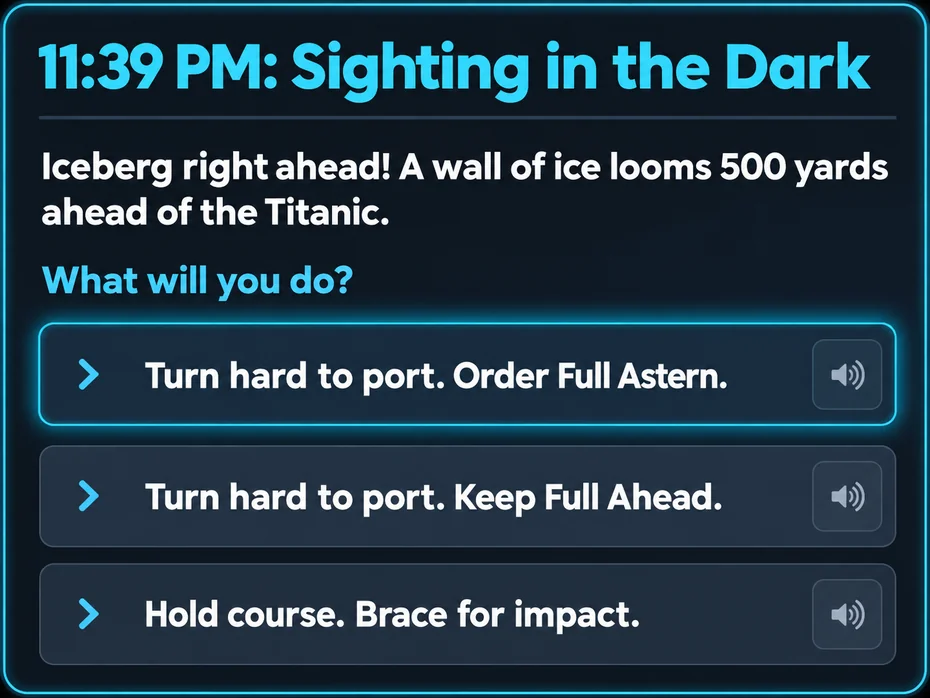
Interactive Scenario
Students make decisions in realistic situations and explore the consequences using knowledge from the lesson.
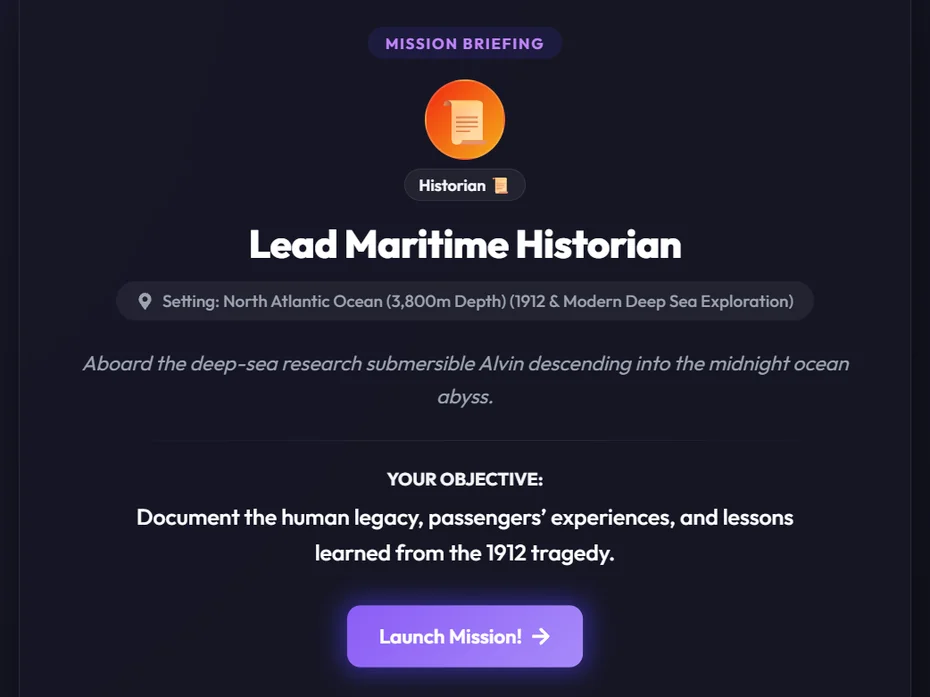
Mission Journey
Students take on a role, complete guided challenges, and apply what they have learned toward a mission objective.
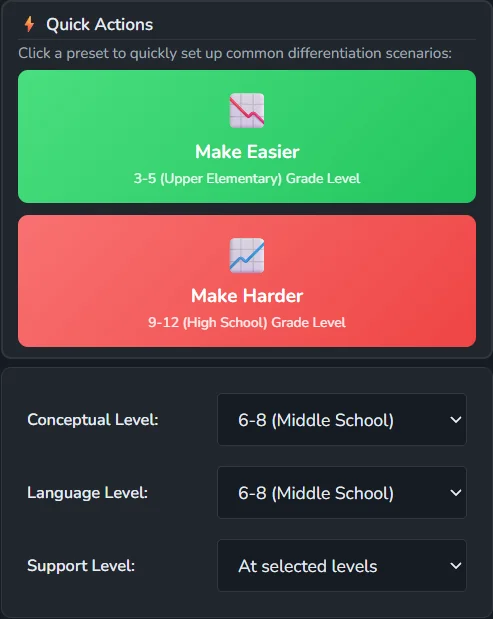
Differentiate Any Lesson by Grade, Language & Reading Level
Same lesson. Different paths for every learner.
Teachers regularly rebuild lessons for different learners. Pixlearn adapts the same lesson by grade level, language, proficiency, and learning needs.
The RMS Titanic
PDF · Video · Website
- Additional reading support
- Vocabulary support
- Audio & alternative formats
- Guided practice
- Standard rigor
- Academic vocabulary
- Independent practice
- Comprehension checks
- Deeper analysis
- Advanced vocabulary
- Higher-level questions
- Explore further and apply ideas
- Same learning objective
- Language-proficiency support
- Vocabulary support
- Native-language support where appropriate
From Lesson to Learning Experience in 3 Steps
Start With What You Have
Add a PDF, video, slides, document, website, or other lesson material.
Customize for Your Students
Choose grade level, language support, and learning activities.
Review, Edit & Share
Review and edit slides, guided notes, worksheets, quizzes, exit tickets, and interactive activities—then share or assign them.
Lesson Planning Tools That Save Teacher Time
Less prep work. More time teaching.
Save Teacher Time
Turn existing lesson materials into reusable learning experiences—ready to review, assign, and reuse.

Reach More Learners
Adapt language, grade level, language proficiency, and learning format for different learners.

Keep Students Engaged
Use interactive podcasts, live activities, AI tutoring, scenarios, and Learning Adventures to give students more ways to participate.

Differentiate Lesson Materials
Differentiate both grade and language levels to meet your students’ needs.
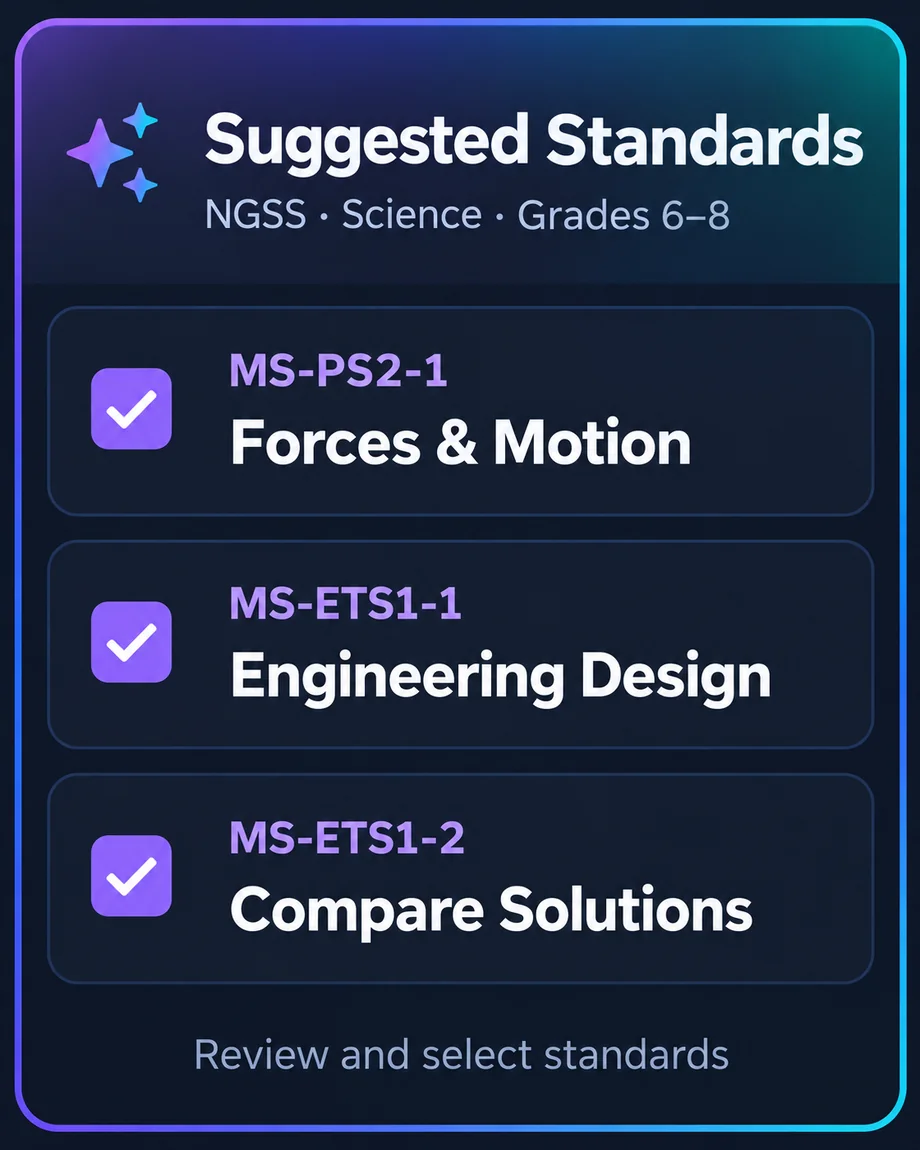
Standards Alignment
Suggested alignment with widely used academic standards, including the Common Core State Standards and the Next Generation Science Standards.
Create Classroom Materials
Turn your lesson sources into study materials, ready to review, edit, and share.
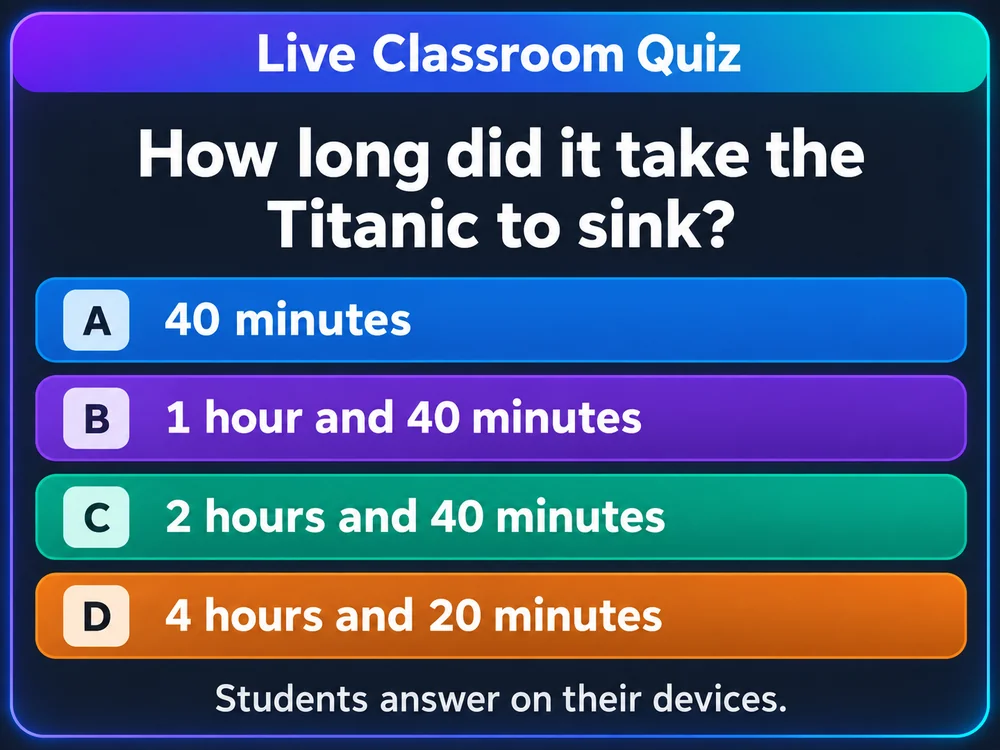
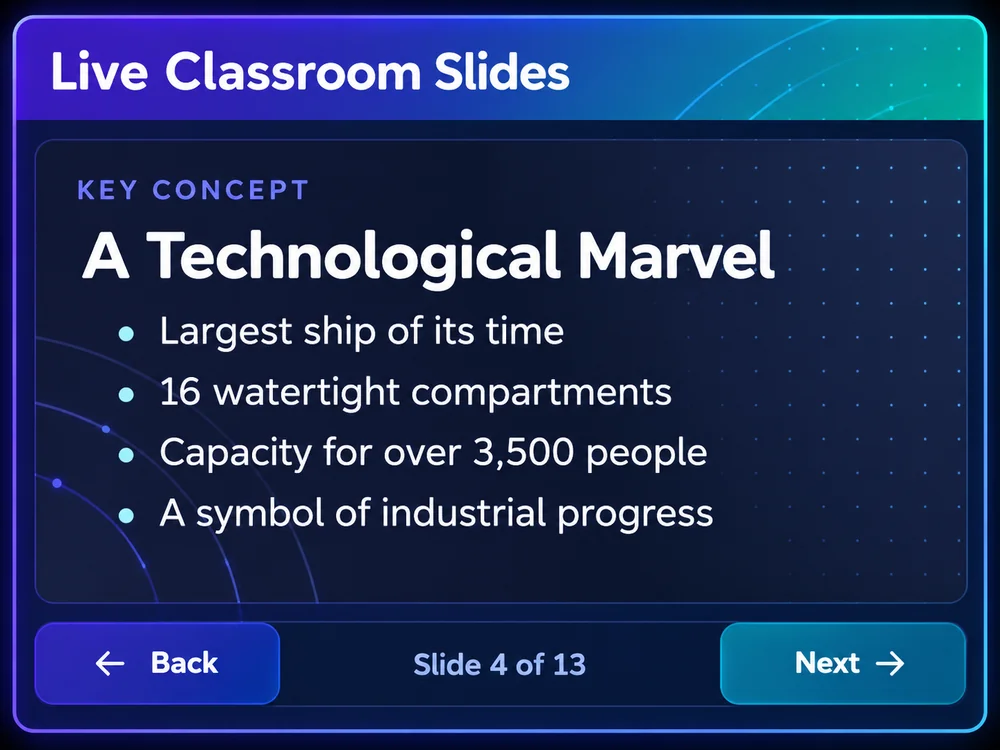
Live Classroom Quizzes, Polls & Slides
Launch quizzes, polls, and activities from a Study Kit while controlling the pace. Students respond from their devices as scores and leaderboards update live.
Built for Educators, Schools & Districts
Teachers can start individually in their classrooms. When schools and districts are ready, Pixlearn adds shared libraries, centralized administration, and organization-wide visibility.
Special Education & Reading Support
Create leveled text, vocabulary support, and scaffolded questions to better support different reading abilities and learning needs.
From Classrooms to Homeschool
Use Pixlearn in traditional schools, charter schools, microschools, independent schools, or at home.
Schools & Districts
Share Study Kits across teachers and programs, manage instructional resources, and view teacher and student activity from one administrative dashboard.
Pixlearn Pricing & Free Trial
Try before you subscribe.
Start with differentiated lesson creation. Upgrade as you add AI learning experiences, tutoring, and student management.
- Includes:*
- ✓ 3 Study Kits
- ✓ 3 Podcasts
- ✓ 5 AI Lessons
- ✓ 5 AI Tutor Sessions
- ✓ 6 Learning Adventures
- Plus full access to:
- ✓ Slides, guided notes, worksheets, & exit tickets
- ✓ 15+ languages
- ✓ Differentiation
- ✓ Live Classroom
- ✓ Teacher Dashboard
- Includes:*
- ✓ 10 Study Kits
- ✓ 10 Podcasts
- ✓ 20 Learning Adventures
- ✓ Slides, guided notes, worksheets, & exit tickets
- ✓ 15+ languages
- ✓ Differentiation
- ✓ Live Classroom
- ✓ Teacher Dashboard
- ✓ Shareable student links
- ✓ Printable PDF materials
- Everything in Lite, plus:
- ✓ 20 AI Lessons
- ✓ Turn your Study Kits into Differentiated Lessons
- ✓ 20 Study Kits
- ✓ 20 Podcasts
- ✓ 40 Learning Adventures
- Everything in LitePlus, plus:
- ✓ Full AI Tutor library
- ✓ 40 AI Tutor Sessions a month
- ✓ 30 AI Lessons
- ✓ 30 Study Kits
- ✓ 30 Podcasts
- ✓ 60 Learning Adventures
- ✓ Student Dashboard
- ✓ Student Activity Analytics
- ✓ Teacher-Student Messaging
- ✓ Standards Alignment + SCORM Export
* Saved-item limits apply to Study Kits, podcasts, AI Lessons, and Learning Adventures.
Delete an existing item to create a new one within your plan limit. AI Tutor sessions are shared across all your students. Pro includes 40 tutoring sessions a month; each session covers up to 20 minutes of active tutoring, and longer conversations continue and count as another session. Quick questions (fewer than 5 student messages) don’t use a session.
Need more tutoring time? Add 25, 50 or 100 extra AI Tutor sessions a month to Pro, with add-on packs starting at $19. Extra sessions are shared across your students and renew monthly. Contact us to add one
Frequently Asked Questions About Pixlearn
What's included in my free trial?
Your 14-day free trial includes:
- ✓ Up to 3 Study Kits with quizzes, flashcards, summaries
- ✓ Up to 3 podcasts in any language
- ✓ Up to 5 AI Lessons
- ✓ Up to 5 AI Tutor Sessions
- ✓ Up to 6 Learning Adventures
- ✓ Full differentiation tools (15+ languages, grade levels, proficiency levels)
- ✓ No credit card required
What grades and languages does Pixlearn support?
Pixlearn supports learners in grades 3–12 and higher education. There are 15+ languages supported including Spanish, Chinese, Haitian Creole, Tagalog, Vietnamese, and Ukrainian, with options to adjust by grade and language level proficiency.
What devices and browsers work with Pixlearn?
Pixlearn works on Chromebooks, Windows and Mac computers, iPads, iPhones, and Android devices using current versions of Chrome, Safari, Firefox, and Edge. No downloads or installations required—just open your browser and start creating.
How is this different from just using ChatGPT?
Pixlearn goes beyond a general AI chat tool by turning your lesson materials into structured, multilingual, differentiated learning experiences. It keeps the content grounded in the sources you provide and adds teacher-ready tools like study kits, tutoring, quizzes, podcasts, classroom activities, and student monitoring.
Can I cancel anytime?
Yes. You can cancel your subscription at any time from your account settings—there's no long-term contract or commitment, and you'll keep access through the end of your current billing period. Have a billing question or a specific situation? Reach out to support@pixlearn.com and we'll take a look.
How does Pixlearn protect student data?
Student work isn’t used to train AI models. We collect only what’s needed to run lessons, such as names, progress, quiz answers, tutor conversations and messages, and we never sell it or use it for advertising. Schools can ask us to delete student data at any time, and we do so within 30 days. We also sign data processing agreements with schools. For full details, read our Privacy Policy.