
Family learning in 3 steps
Start With Their Lesson
Add a worksheet, PDF, video, website, or topic your child is learning.
Personalize the Learning
Adjust the grade level, add reading or language support, and choose learning activities.
Learn, Practice & Explore
Your child explores interactive lessons, podcasts, guided tutoring, and activities while you follow their progress.
Try Interactive Lessons, Podcasts & an AI Tutor
Real lessons built with Pixlearn.
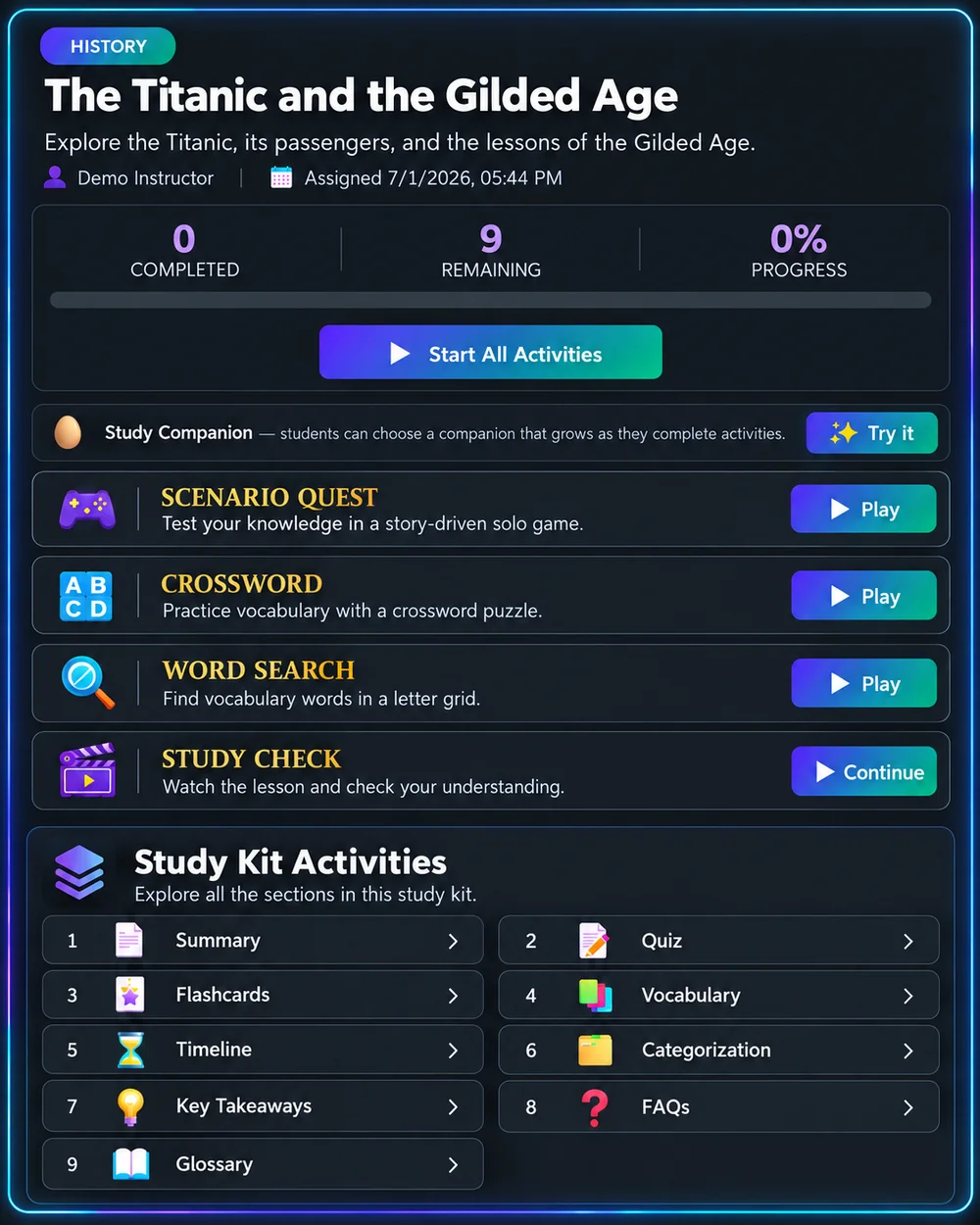
Interactive Study Kit
Explore reading, practice, and review in one Study Kit.
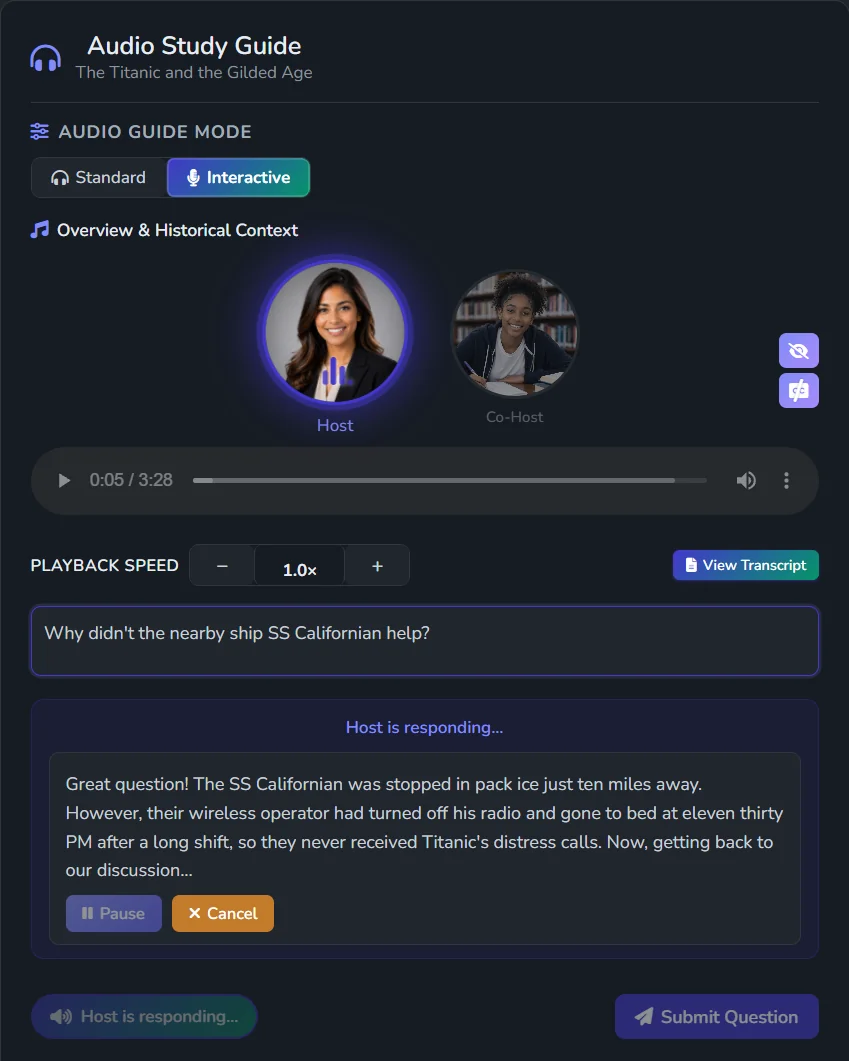
Interactive Podcast
Turn lesson content into an interactive podcast children can question and explore.
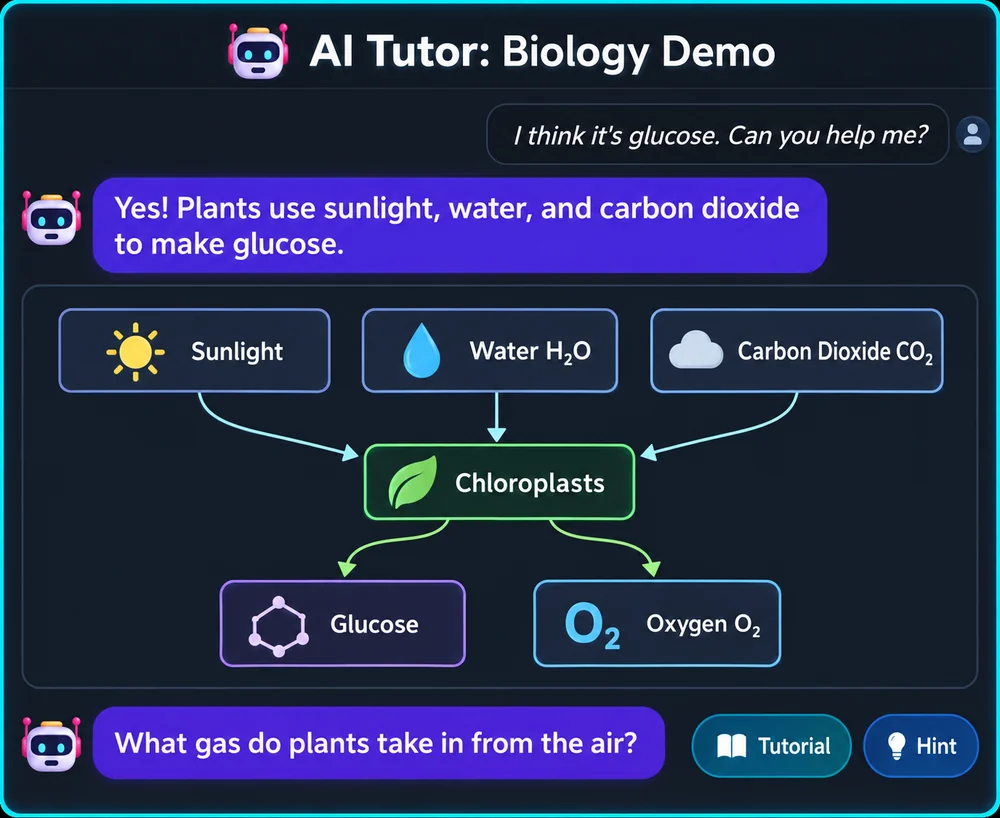
AI Learning Tutor
Guides your child with questions and hints.
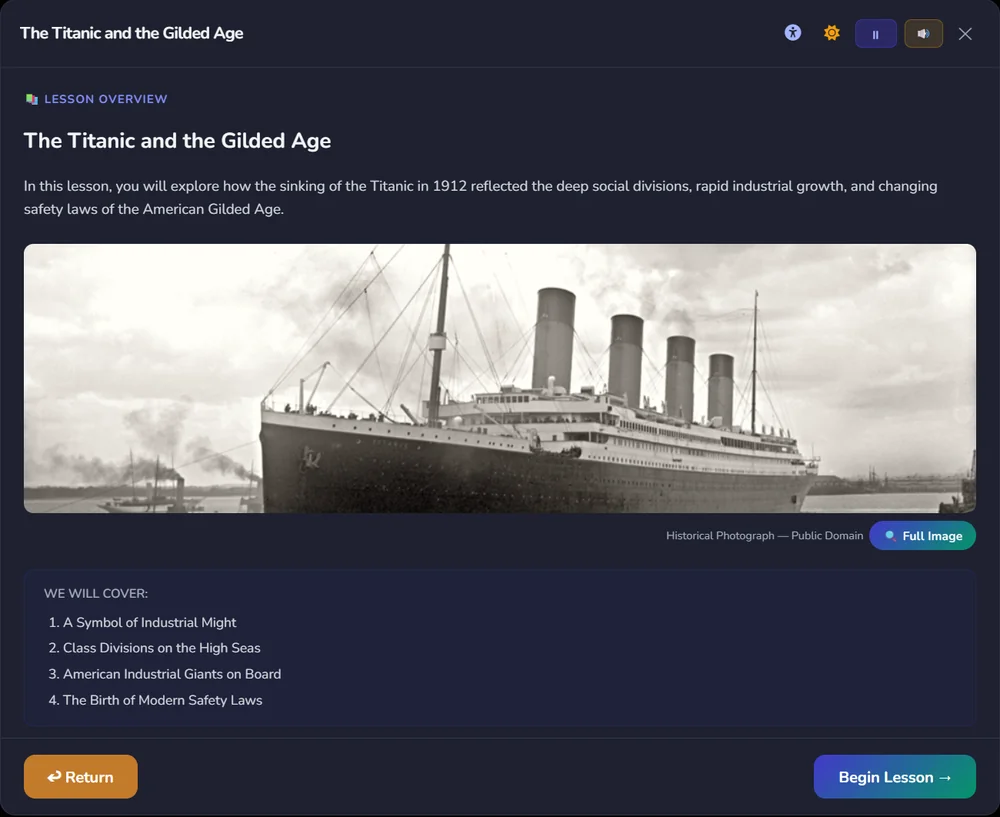
Lesson for Each Learner
Adapt lessons with additional reading support, language options, and personalized activities.
Interactive Scenarios & Learning Adventures
Children don’t just review the lesson. They step inside it.
Turn your lesson into immersive scenarios and guided learning missions—grounded in your source material.
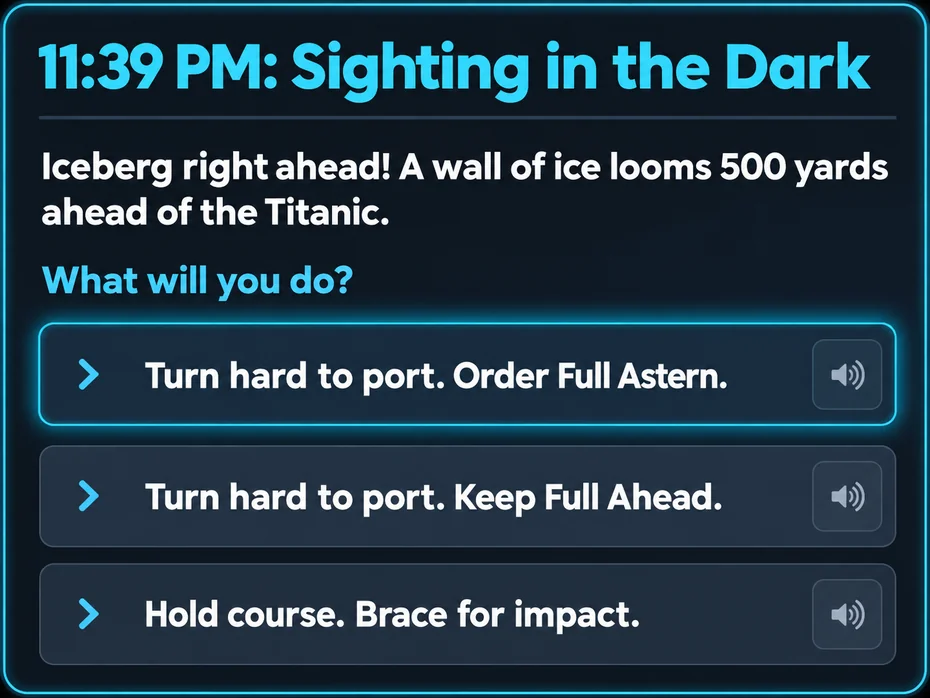
Interactive Scenario
Students make decisions in realistic situations and explore the consequences using knowledge from the lesson.
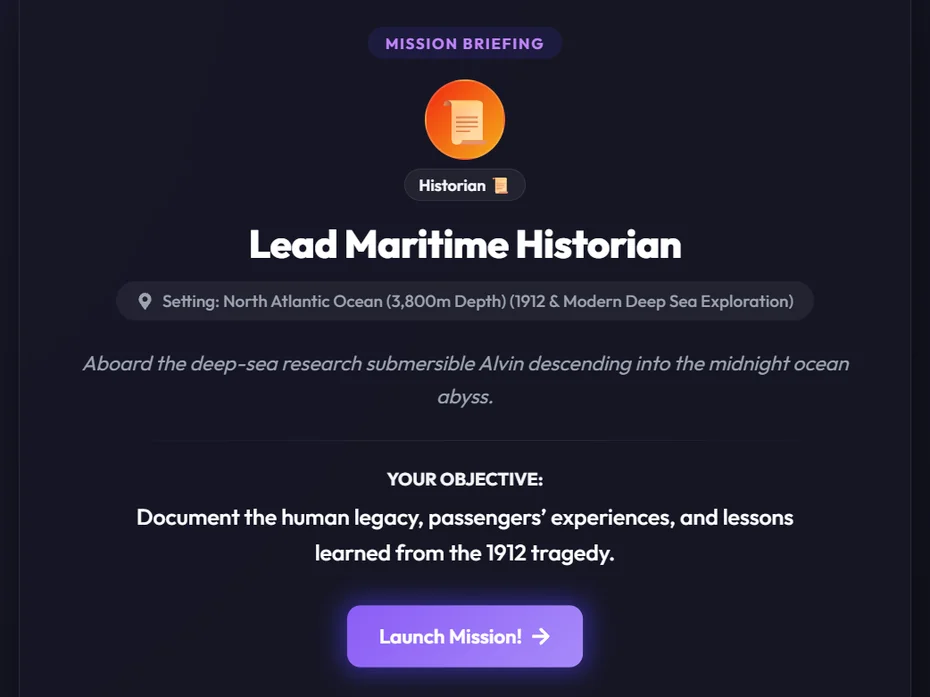
Mission Journey
Students take on a role, complete guided challenges, and apply what they have learned toward a mission objective.
For Homeschool Families
Keep the curriculum you've chosen. Adapt lessons for different ages, provide extra help or enrichment, and give children ways to learn independently while you work with another child.
For Parents Supporting Schoolwork
Use your child's homework, classroom lessons, or study materials to provide additional explanations, personalized practice, and guided tutoring when they need extra support.
Adapt Any Lesson by Grade and Reading Level
One lesson. Learning that fits each child.
See how the same lesson can provide additional support, grade-appropriate learning, enrichment, or language assistance based on each child’s needs.
The RMS Titanic

PDF · Video · Website
- Additional reading support
- Vocabulary support
- Audio & alternative formats
- Guided practice
- Appropriate challenge
- Words and terms from the lesson
- Independent practice
- Check understanding
- Deeper analysis
- Advanced vocabulary
- Higher-level questions
- Explore further and put ideas into practice
- Same learning objective
- Support for your child’s language level
- Vocabulary support
- Native-language support where appropriate
Try Pixlearn With a Lesson Your Child Is Already Learning
Whether you're homeschooling or helping with schoolwork, see how Pixlearn can turn familiar learning materials into personalized explanations, interactive activities, podcasts, and AI-guided tutoring.
No credit card required. Choose a subscription only if you decide to continue.
Homeschool FAQ
What grade levels does Pixlearn support?
Pixlearn supports grade levels 3–12. Adapt your lesson materials by grade and language level to fit each child.
Does Pixlearn replace our curriculum?
No. Use the lessons and resources your family already chooses. Pixlearn turns those sources into learning activities.
How does the AI Tutor work?
The tutor uses your lesson materials and guides learning through questions. Review generated content for accuracy and fit, and stay involved in your child’s learning.
Can we use Pixlearn for after-school learning?
Yes. Use your child’s current lessons to revisit a tricky concept, practice a skill, or explore an interest at your family’s pace.
Can Pixlearn help with homework or subjects my child finds difficult?
Yes. Use your child’s homework, classroom lessons, worksheets, or study topics to create additional explanations, personalized practice, and AI-guided tutoring. Pixlearn helps children work through difficult concepts at their own pace while reinforcing what they’re learning at school.
How is my child’s data protected?
Your child’s work isn’t used to train AI models. We collect only what’s needed to run their lessons, such as their name, progress, answers, tutor conversations and messages, and we never sell it or use it for advertising. You can ask us to delete your child’s data at any time, and we do so within 30 days. For full details, read our Privacy Policy.
What happens after the family trial?
Choose an available subscription if you want to continue. Compare plans for current pricing and usage limits.